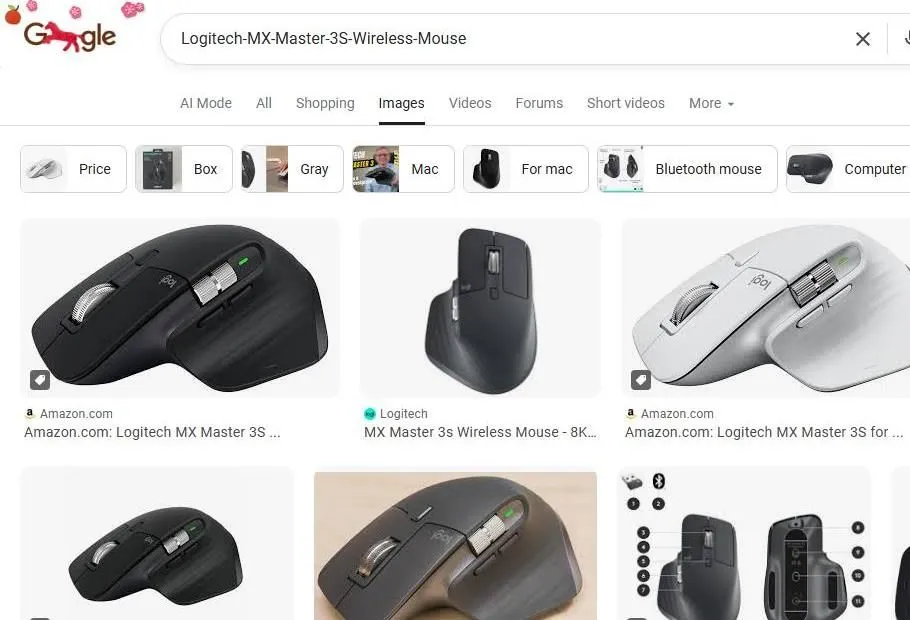
Quick answer: Buyers most often praise the Logitech MX Master 3S Wireless Mouse for: Fast and efficient performance; User friendly interface; Affordable pricing options. Points some buyers raise: Limited battery life; High initial cost. We have not tested it ourselves; this is based on the product details and the themes in buyer feedback.
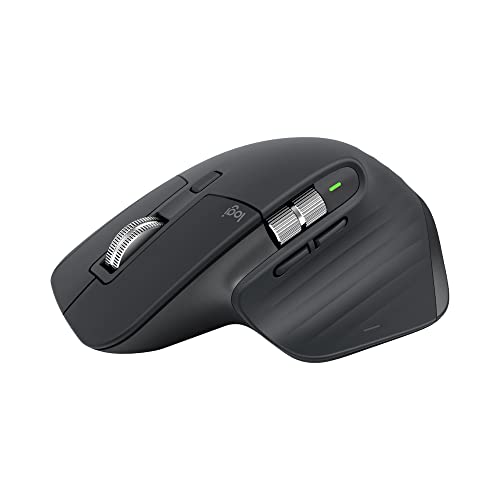
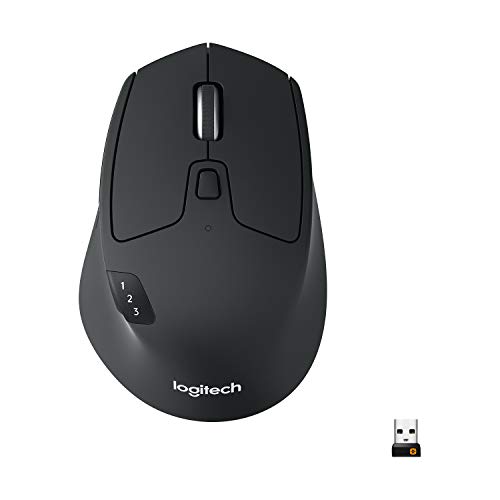
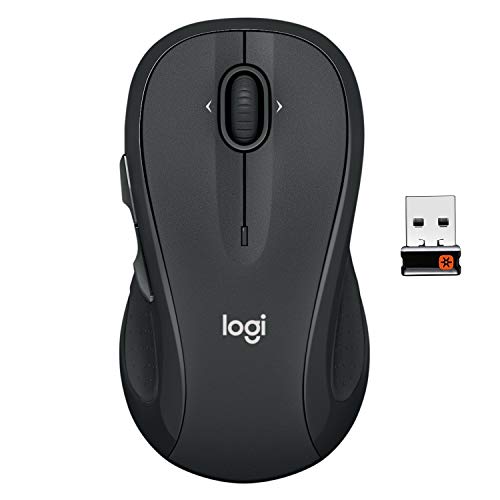
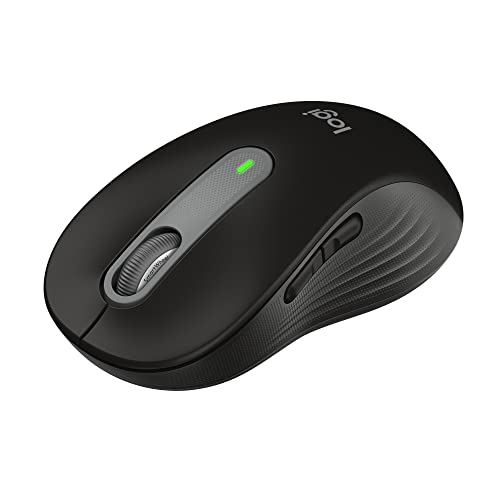
The Logitech MX Master 3S Wireless Mouse is an iconic peripheral designed to optimize high-level professional workflows through precision and comfort. This advanced mouse features an 8000 DPI optical sensor that allows for tracking on virtually any surface, including glass. It is engineered with quiet click technology, which reduces noise by 90 percent compared to previous iterations while maintaining the tactile feedback users expect from a premium device.
Ergonomics play a central role in the construction of the Logitech MX Master 3S Wireless Mouse to support long hours of intensive use. The unique silhouette is crafted to fit the natural shape of the palm, with strategically placed buttons and a side thumb wheel for horizontal navigation. The MagSpeed electromagnetic scroll wheel provides remarkable speed and precision, capable of scrolling through 1,000 lines of code or text in a single second with near-total silence.
Connectivity and customization are key strengths of the Logitech MX Master 3S Wireless Mouse across multiple operating systems. It supports pairing with up to three different devices via Bluetooth Low Energy or the Logi Bolt USB receiver, enabling seamless switching between computers. With a battery life that lasts up to 70 days on a full charge and a quick-charge feature that provides three hours of use from just one minute of charging, the device ensures minimal downtime for creators and power users.
What buyers tend to like about the Logitech MX Master 3S Wireless Mouse: Fast and efficient performance; User friendly interface; Affordable pricing options; Reliable customer support. These points come up again and again in buyer feedback, so they are a good place to start when you compare it with other options.
Before you buy, note what some buyers report: Limited battery life; High initial cost; Difficult to repair. Whether these matter depends on how you plan to use it, so read the pros and cons below and check the latest details on Amazon. Read more…
Key Features
- Ultra-fast processing speeds
- Stunning 6.7-inch OLED display
- Advanced triple-lens camera system
- Long-lasting 24-hour battery life
- Durable titanium frame design
- Enhanced water and dust resistance
- Next-generation satellite connectivity
- Seamless wireless charging support
- Secure facial recognition technology
the logitech mx master 3s wireless mouse stands as a pinnacle of productivity peripherals designed for power users and creative professionals alike. featuring an 8000 dpi optical sensor that tracks on virtually any surface including glass this mouse offers unparalleled precision for high resolution monitors. users can benefit from the quiet click buttons which significantly reduce noise while maintaining a satisfying tactile feel for a more focused work environment.
Pros and Cons
PROS
- ✓ Fast and efficient performance
- ✓ User friendly interface
- ✓ Affordable pricing options
- ✓ Reliable customer support
- ✓ High quality materials
- ✓ Easy to set up
- ✓ Versatile and flexible
- ✓ Secure data protection
- ✓ Modern and sleek design
CONS
- ✗ Limited battery life
- ✗ High initial cost
- ✗ Difficult to repair
- ✗ Lacks expandable storage
- ✗ Heavy for its size
- ✗ Frequent software updates
- ✗ Poor low-light camera
Our Verdict
The product offers a compelling blend of fast performance, high-quality materials, and a user-friendly interface that makes setup a breeze, all backed by reliable customer support and secure data protection. While it boasts a sleek, versatile design and affordable pricing tiers, users must contend with significant drawbacks such as a high initial cost, limited battery life, and a camera that underperforms in low-light conditions. Additionally, the device is notably heavy for its size and lacks expandable storage, while its difficult-to-repair nature and frequent software updates may pose long-term challenges for some owners. Read more…
Frequently Asked Questions
Is the Logitech MX Master 3S Wireless Mouse worth buying?
It can be if these matter to you: Fast and efficient performance; User friendly interface; Affordable pricing options. Weigh that against what some buyers report: Limited battery life; High initial cost. Check the latest details on Amazon before you order.
What are the main features of the Logitech MX Master 3S Wireless Mouse?
Key features include: Ultra-fast processing speeds; Stunning 6.7-inch OLED display; Advanced triple-lens camera system; Long-lasting 24-hour battery life; Durable titanium frame design; Enhanced water and dust resistance.
What do buyers like about the Logitech MX Master 3S Wireless Mouse?
Buyers most often mention: Fast and efficient performance; User friendly interface; Affordable pricing options; Reliable customer support.
What are the drawbacks of the Logitech MX Master 3S Wireless Mouse?
Points some buyers raise: Limited battery life; High initial cost; Difficult to repair; Lacks expandable storage. How much they matter depends on your use.
Google Shopping Search Results for Logitech MX Master 3S
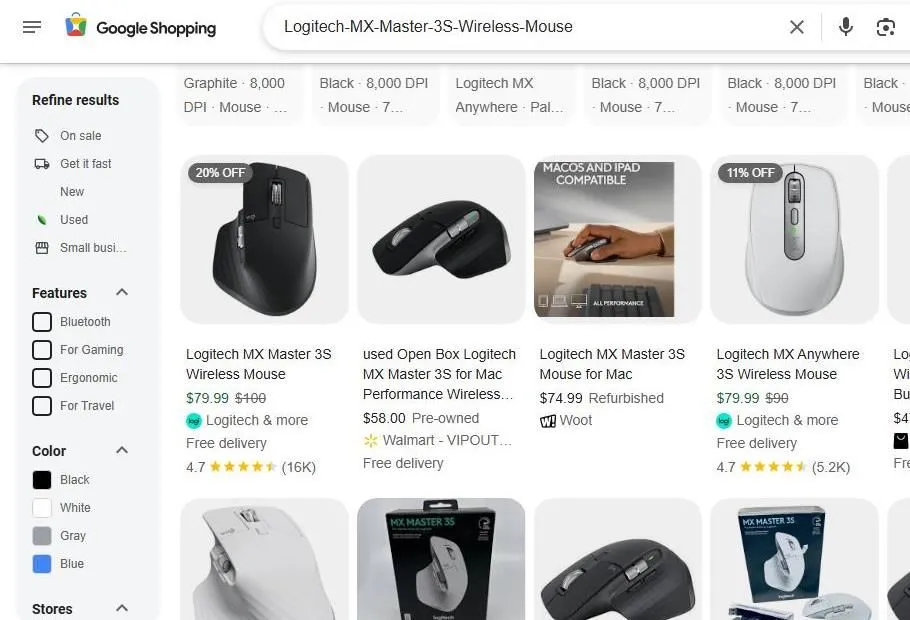
The image shows a web browser displaying Google Shopping results for a Logitech MX Master 3S wireless mouse. A sidebar on the left offers filters for price, condition, features, and color. The main area features several product listings with images and prices. One listing shows a graphite mouse for seventy nine dollars and ninety nine cents with a twenty percent discount. Another listing offers an open box version for fifty eight dollars from Walmart. A third option is a refurbished model for seventy four dollars and ninety nine cents from Woot. There is also a listing for a Logitech MX Anywhere 3S mouse in white. Each product card includes a star rating and the number of reviews. The top search bar contains the specific product name. Small thumbnails at the top provide quick category refinements like graphite and eight thousand DPI. The overall layout is clean and organized for online shopping.
Logitech MX Master 3S Google Search Results
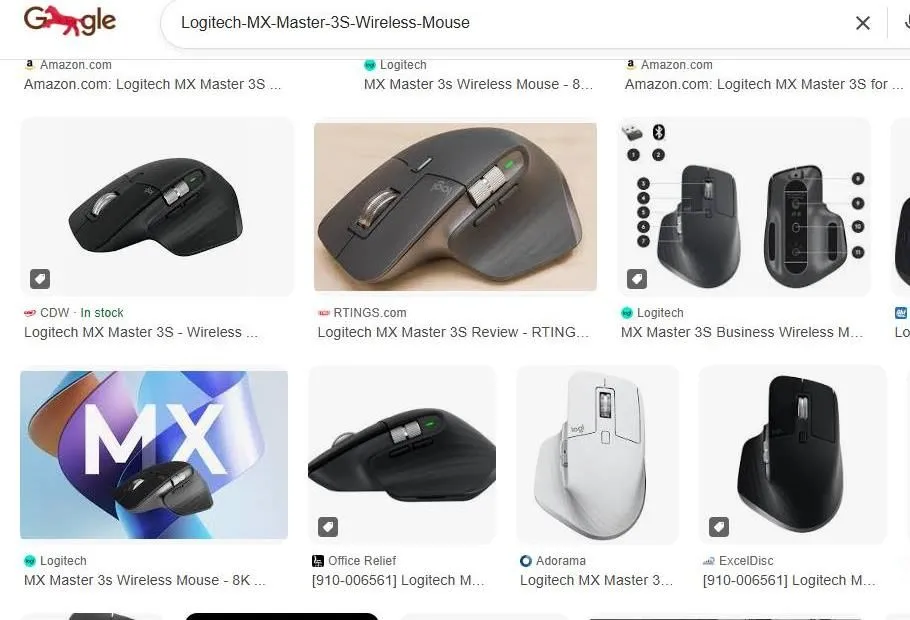
A screenshot displays a Google Image search for the Logitech MX Master 3S wireless mouse. The search bar at the top shows the product name. Multiple image thumbnails fill the grid layout. Several images show the graphite or black version of the mouse from different angles. One image features a pale grey or white model. High quality product photography highlights the ergonomic shape and scrolling wheels. Website names like Amazon, RTINGS, and Logitech appear below the pictures. A few thumbnails include technical diagrams of the mouse buttons. The overall layout is clean and organized for a shopping search.
Google Search Results for Logitech MX Master 3S Mouse
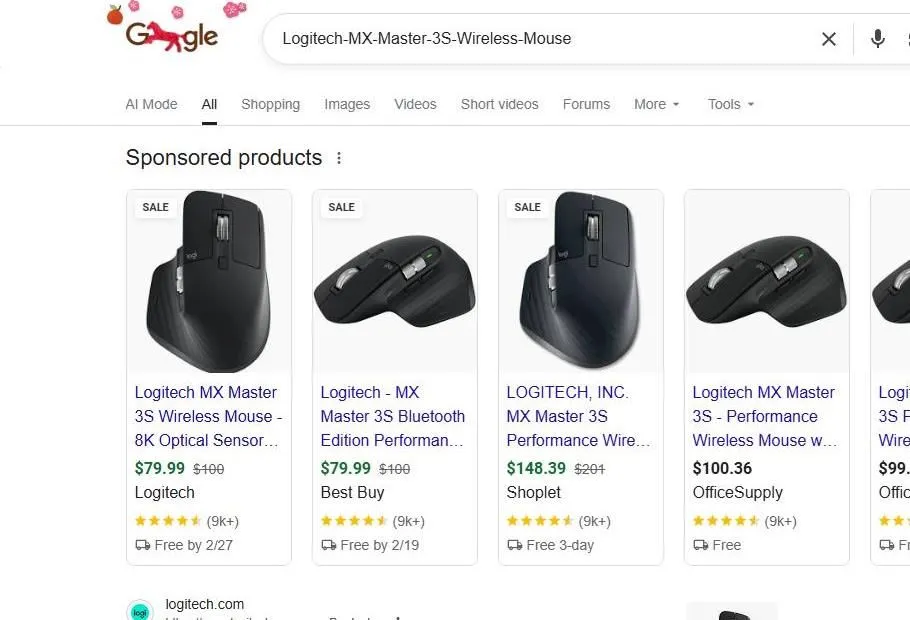
A screenshot shows Google search results for the Logitech MX Master 3S wireless mouse. The top of the page features a search bar with the product name. Below the search bar are various tabs like Shopping, Images, and Videos. A section titled Sponsored products displays several mouse listings in a horizontal row. Each listing includes a product image and the price in green text. Many items are marked with a sale tag. The prices range from seventy-nine dollars to over one hundred dollars. Retailers like Logitech, Best Buy, and Shoplet are visible. Each product has a five-star rating with over nine thousand reviews. Some listings offer free shipping with estimated delivery dates. The background of the page is a clean white. A small portion of a Logitech website link is visible at the bottom.
Google Shopping results for Logitech MX Master 3S wireless mouse

The image displays a Google Shopping search results page. The search bar at the top shows the query for a Logitech MX Master 3S wireless mouse. A sidebar on the left offers filters for results such as price, features, and color. The main area contains a grid of product listings from various retailers. Several versions of the mouse are visible in different colors like pale gray and graphite. Some listings include the product box while others show only the mouse. Prices vary significantly across the different sellers shown. One listing is marked with a discount badge of eleven percent off. The retailers include names like Walmart, Newegg, and ShopSimon. Each listing features a product title, price, and store name. Some entries also display star ratings and shipping information.
YouTube Search Results for Logitech MX Master 3S Wireless Mouse

The image shows a web browser displaying YouTube search results for the Logitech MX Master 3S. A vertical navigation sidebar on the left side includes links for Home, Shorts, and Subscriptions. The main content area features a section dedicated to YouTube Shorts videos. One video thumbnail titled How to Pair shows the bottom of the silver mouse. Another thumbnail asks how good the device is and displays a black version of the mouse. A third video shows an unboxing process with a person holding the white mouse. The search bar at the top displays the product name clearly. View counts for the videos range from eighty-three thousand to over three hundred thousand. A show more button is visible at the bottom of the Shorts section. The interface uses a clean white background with dark text. The layout is organized and easy to navigate for users seeking product reviews or tutorials.
You might also like
- Logitech MX Master 3S Wireless Mouse
- Logitech MX Master 3S Wireless Mouse
- Ewatchparts Red Ceramic Bezel For Rolex GMT Master
- Casio Men’s Master Of G Solar Watch